Prototypes are for learning, not for building
We stopped writing specs and let prototypes define features. Bad idea. Here’s what broke, and the method we use instead.
 Blake McGregor · 6 min read
“Working software is the spec: we think by building.”
This was Grove’s approach to building in February of this year. Coding agents made prototypes cheaper than specs, so why write the spec? A short brief and a prototype were enough to define a feature, fast.
It didn’t work. In our first post, I wrote about how we handed our developers a prototype of a new navigation and said “just build this.” More than a hundred pull requests later, we were still making decisions we should have made up front.
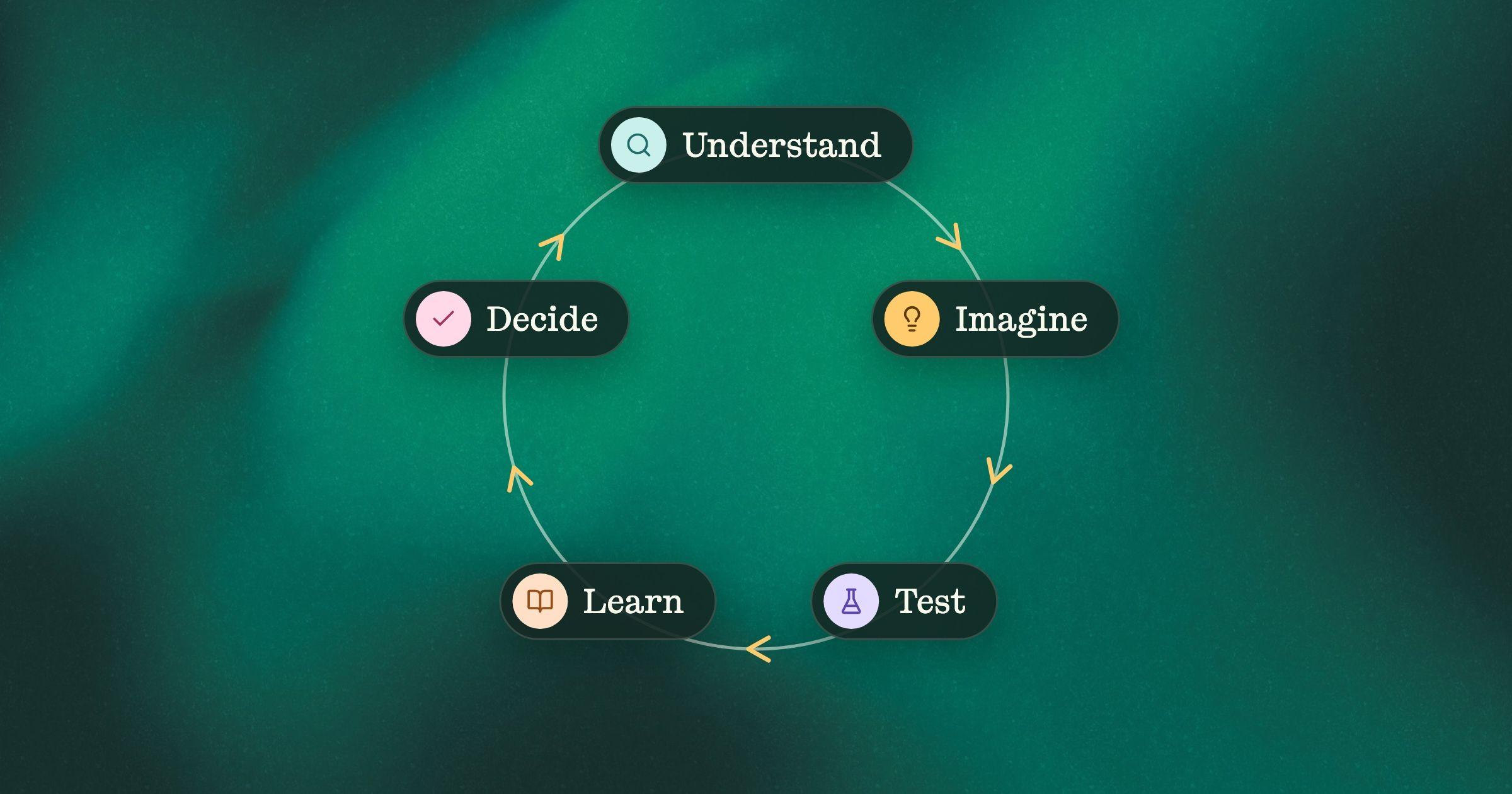
We still prototype all the time. We just use prototypes differently now. A prototype is for learning, not for building.
What went wrong
In March, I wanted to test a more visual way to read requirements, with each section as a colored block sized by how risky it was. As my own write-up put it, I started “with an idea in my head but without any clear spec or design for what I wanted.” It took 12 hours, $200 in credits and 92 revisions in v0, at three to five minutes a change. The prototype was good. Getting there was the problem, and my conclusion afterwards was simple: next time, shape the idea first.
My cofounder Kathryn hit the same wall from the other side. Over four weeks in April she built 23 navigation prototypes, from quick layout options to three working versions of the whole app, spinning up new variants as fast as the ideas came. The thinking happened inside those prototypes, so every new variant meant another round of bookkeeping: update the requirements doc, work out which version held the latest decision, and keep a separate copy of the app so a visual experiment couldn’t overwrite something already decided. Keeping it all straight, in her words, “took real effort.” The plan existed, but it was scattered across the very files it was supposed to steer.
That’s the trap. Every screen in a prototype holds decisions: what an empty list shows, who can delete, what a status means. In production, every one of them is a promise to a customer. Keep prompting a prototype toward production and you aren’t making those decisions. You’re piling them up in prompts nobody will read again.
How we prototype now
Here’s the method we use now. It works with whatever tools you use.
1. Name the risks first
Marty Cagan’s four big risks make a good checklist. Will customers find it valuable? Can they figure out how to use it? Can we build it? Does it work for the business? Before anyone opens a prototyping tool, decide which of those you’re testing.
In August we decided to invest in plan checks, a feature that reads a plan before anyone builds it and flags the gaps. Rob, our CTO, went first: he tested whether it was technically feasible before we spent any time on the experience. Then he asked where to put one simple button, and that question grew into a much bigger effort. Kathryn tells that story in It was never a design process.
That’s where our prototype came in. Kathryn’s plan for it listed seven risks, each with the bet, what goes wrong if we’re wrong, and how the prototype tests it. One rule sat at the top:
A risk belongs here only if being wrong about it changes what gets built.
Write down what it won’t test, too. Whether the flagged gaps were any good wasn’t on the list, so the prototype faked them, with a made-up party-invitation app and every gap written by hand.
2. Write a short plan before the first prompt
Think roughly first: sketch it, whiteboard it, talk it through. The plan is where that thinking lands:
- The risks it tests, and how.
- What it fakes. Faking the hard part is fine when the hard part isn’t the risk.
- What it cuts. Our plan-checks prototype left out three screens a real version would need.
The plan gives every decision somewhere to go besides a prompt. When the coding agent hits something the plan doesn’t answer, make the call and write it into the plan. The plan also stops you overbuilding, because it says what the prototype is for and when to stop.
One idea can take several prototypes. Give them one shared plan for what’s already decided, the way Kathryn’s April doc did: “Each prototype shares these requirements but explores different layout, navigation, and interaction patterns.” Then let each new prototype build on what the last one taught you.
3. Build the cheapest prototype that tests the risks
Start with the cheapest and only move down the list when the risks need it.
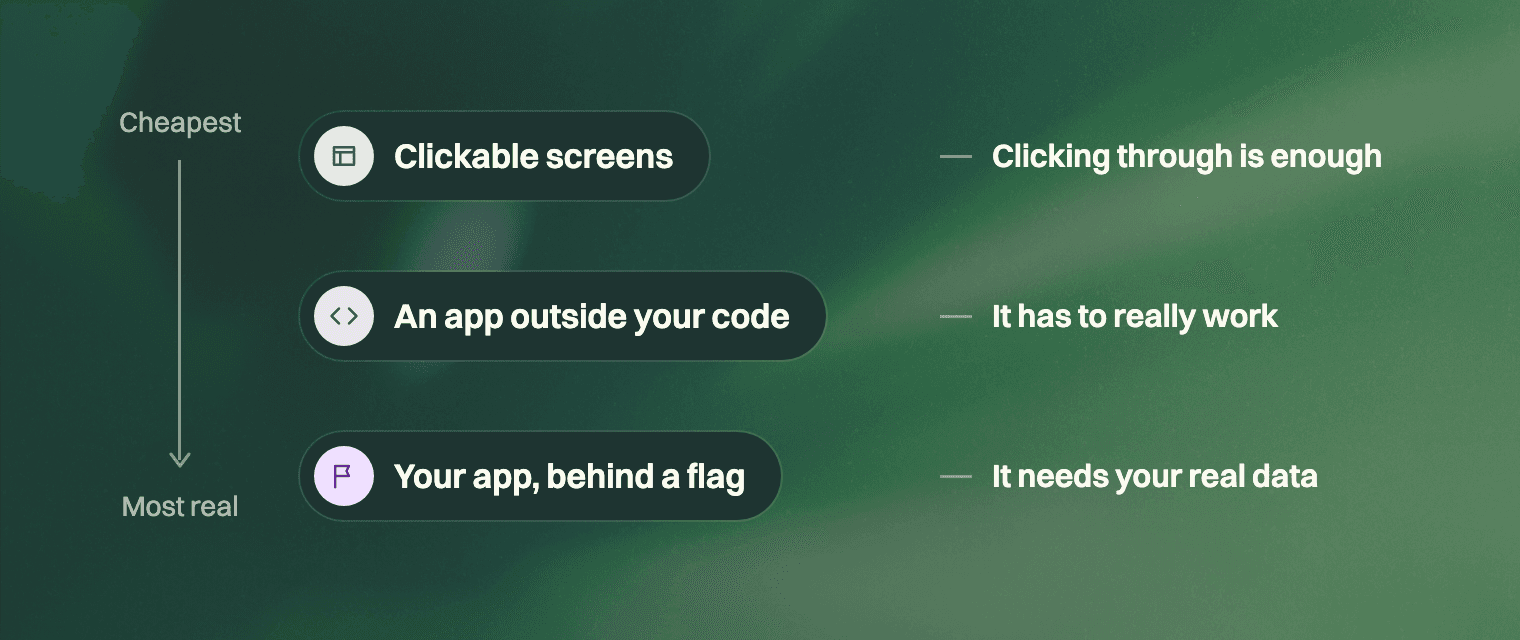
Clickable screens. Most risks about value and usability can be tested with HTML screens someone clicks through. If people need to try them on their own, deploy them.
An app outside your codebase. Live data, typing, dragging and timing need a real app. Build it in a new repository or on your laptop. Code that lives outside is easy to throw away, and throwing it away is the plan.
Your real app, behind a feature flag. Some risks can’t be tested on fake data, and most AI features are like this. Whether the answers are any good depends on your real data, prompts and model calls, and rebuilding all of that outside your app takes longer than building the feature. The same goes when the risk is “can we build it?” Code behind a flag is the easiest kind to keep by accident, so decide up front what happens to it if the risk fails.
4. Let people try it before you explain anything
If you explain the prototype first, you’re testing your explanation. Your customers won’t have you sitting next to them.
We tried the plan-checks prototype with our own team, then with a handful of product leads. Nobody got a tour. Each lead started partway through a story and we asked what they thought it wanted them to do. Decide what you’ll watch for before the session, because you only get someone’s first reaction once, and write down what you saw next to the risk it tells you about.
5. Close it out
A prototype is done when it has answered its risks, not when it looks finished. Write down what each risk showed, update the bigger plan, and plan the real work from that.
Don’t hand anyone the prototype’s code as the spec. It holds every decision, the deliberate ones and the shortcuts, with nothing to tell them apart.
The short version
- Name the risks it tests.
- Plan it before the first prompt: what it fakes, what it cuts.
- Build the cheapest prototype that tests the risks, and keep the decisions in the plan.
- Let people try it before you explain it.
- Close it out and plan the real projects.
How we do it in Grove
Everything above works with a doc and whatever prototyping tool you like. We built Grove around this loop, so here’s how it runs for us.
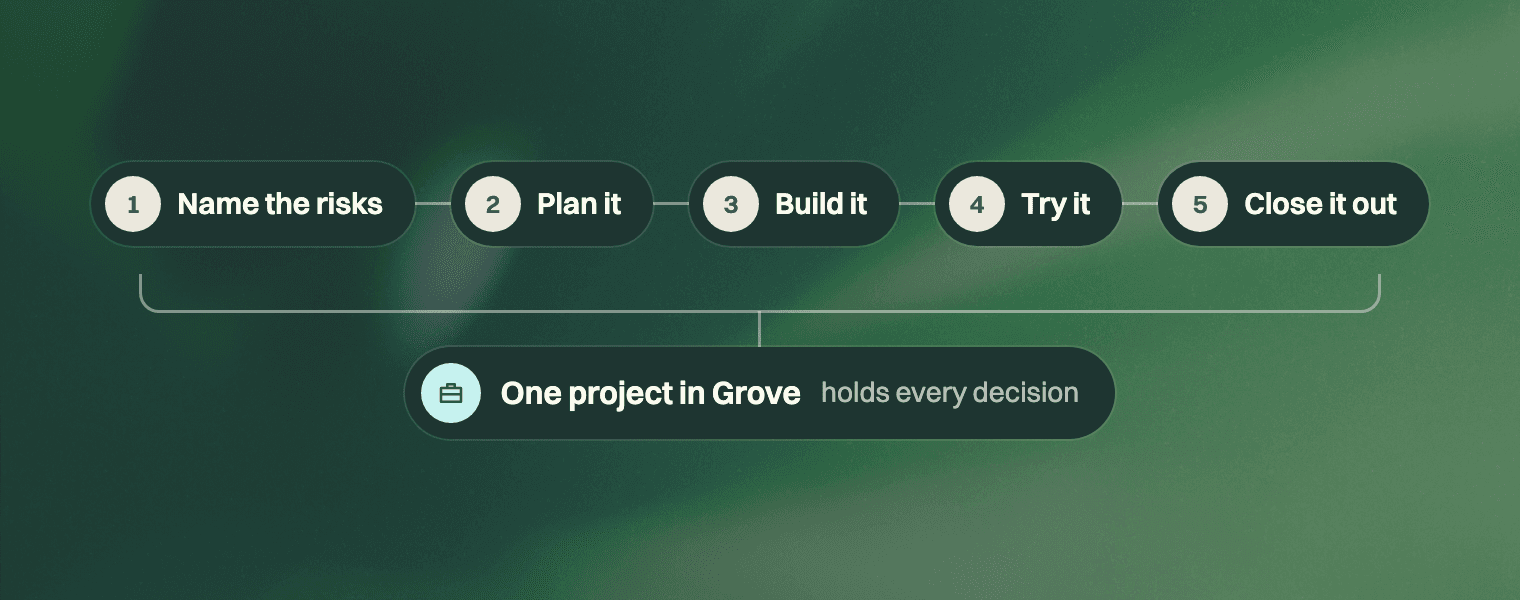
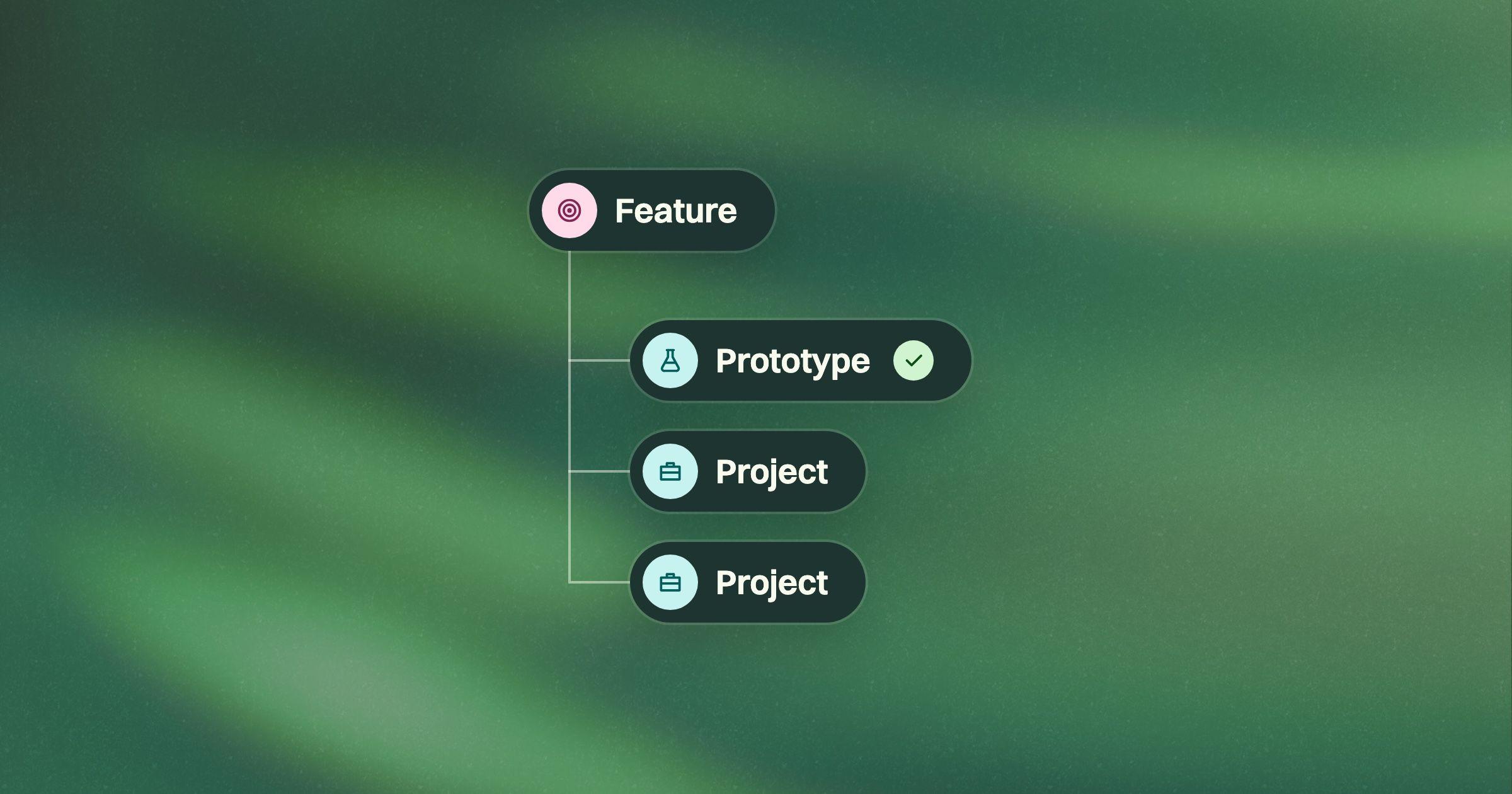
Every prototype is a project inside the feature it’s for. A second prototype is another project in the same feature.
Clickable screens come from Grove, built from your own app’s components, next to the plan they’re testing. A coding agent can take them out and deploy them.
Decisions go straight into the plan. Whoever is working with the coding agent makes the call, and the agent writes it into the plan without leaving the session.
Closing out happens in the same feature. The prototype’s risks, plan and session notes are already there, so the real projects go in right beside it.
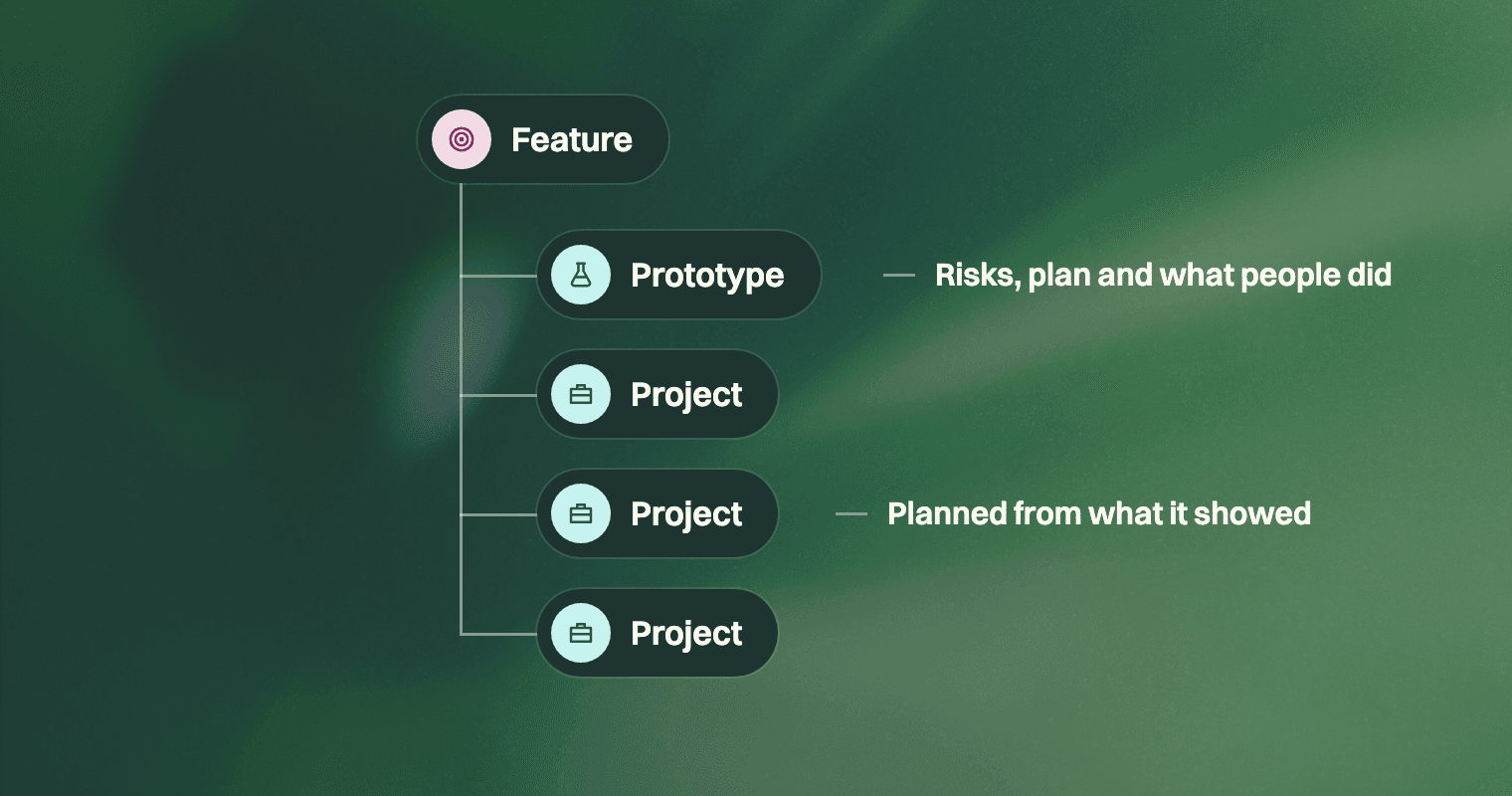
That’s what happened with plan checks. The real projects went into the same feature as the prototype: flagging the screens a plan is missing, flagging dependencies nobody wrote down, raising the questions a coding agent hits mid-build. None of them is “build the prototype.”
Try Grove with
your team
If Grove fits, you get two weeks
free on what you’re building now.

Written by
Blake McGregor
I write about what leading a product means now that coding agents do the building: deciding what deserves to exist, who gets to decide it, and how a team carries those decisions all the way into what ships.